
The complete Tripp Lite hardware catalog
We build power gear, network cabling and server enclosures for IT closets, back offices and workbenches. Find the right chassis, cord or backup unit for your installation and purchase it through our retail partner.

Know your Tripp Lite part number?
Every Tripp Lite unit carries its model name on the silver metal label. Enter that code to jump straight to the exact piece of hardware in our catalog.
Tripp Lite hardware by category
Everything we make, from battery backups and switched rack PDUs to bulk fiber spools, patch panels and rolling carts.
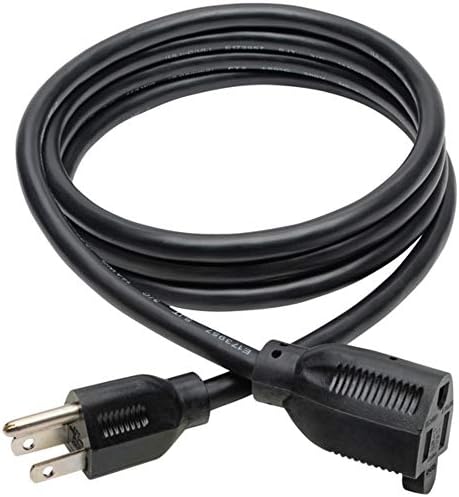
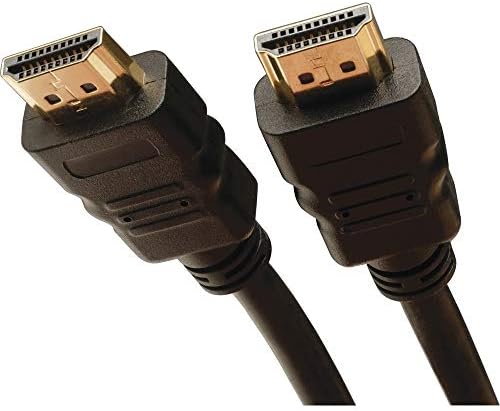
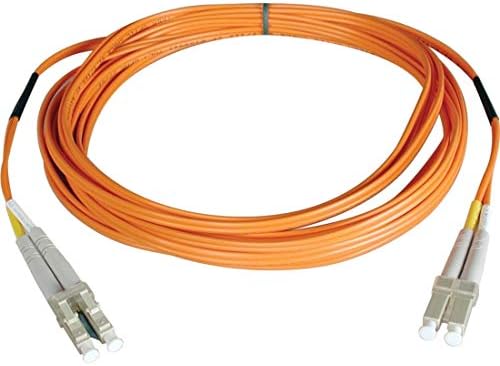
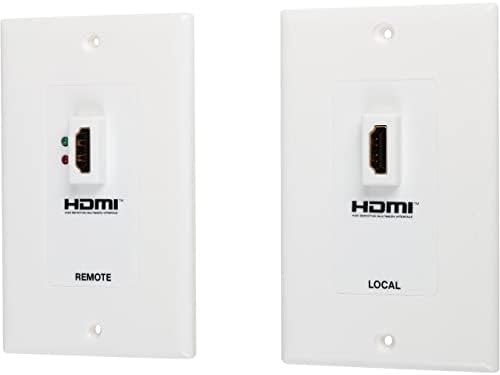
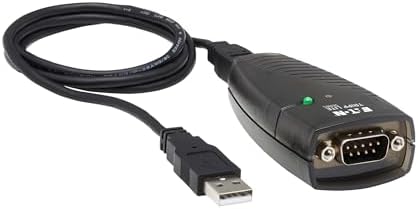
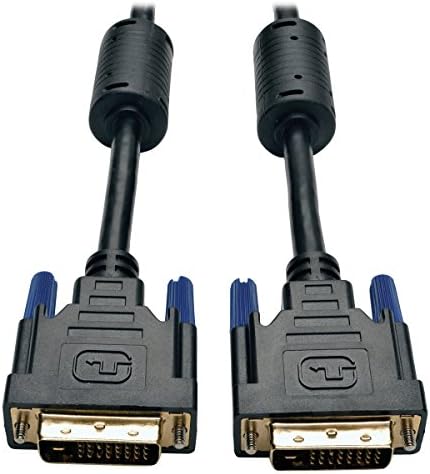
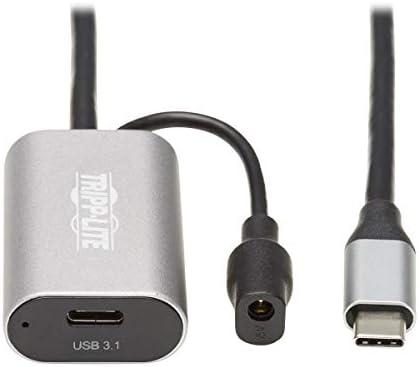
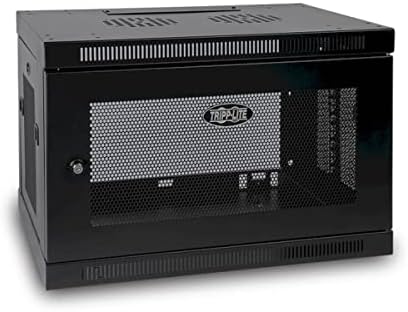
Where Tripp Lite equipment goes to work
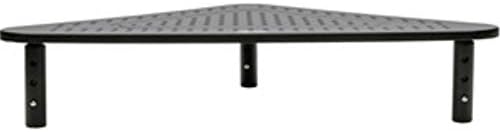
A small chassis under a desk has different noise, space and heat constraints than a heavy enclosure bolted between two concrete posts.
Tools for your build
Plan out your rack or replace an older Tripp Lite unit without guessing how much capacity your installation needs.
Battery load calculator
Enter the hardware plugged into your circuit. The calculator tallies your total draw and shows battery units that can sustain that equipment during a utility sag or outage.
Open the calculatorPart number lookup
Type the code stamped on the chassis or printed along the cable jacket. The index takes you directly to that model without sorting through the category aisles.
Open the indexThe Tripp Lite hardware on most job sites
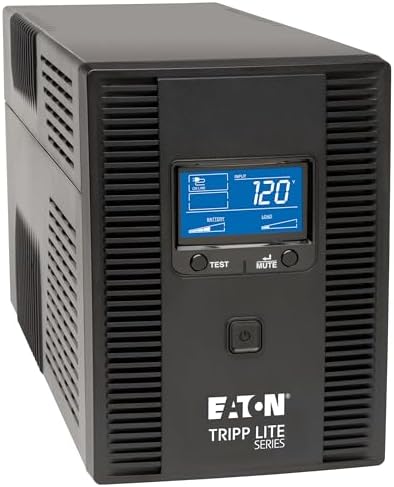
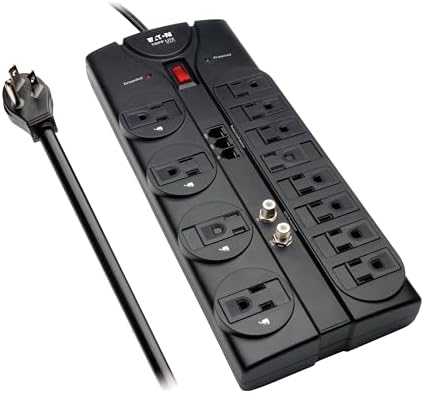
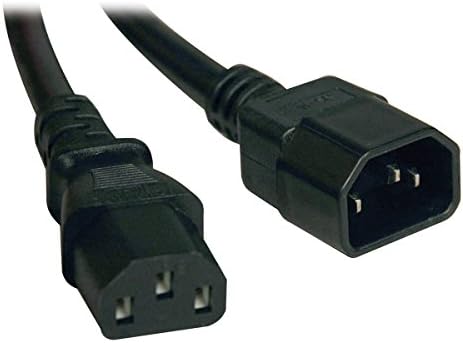
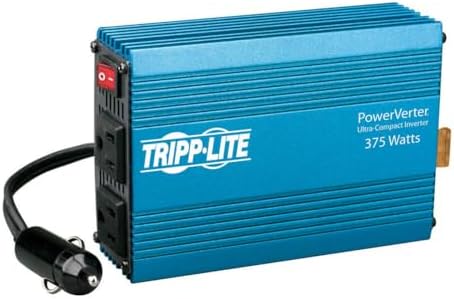
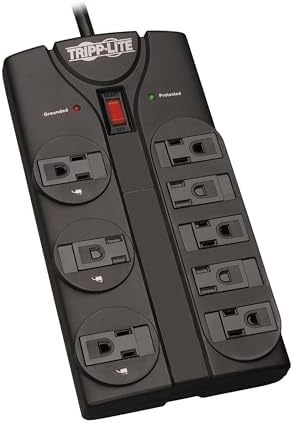
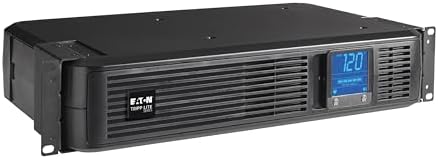
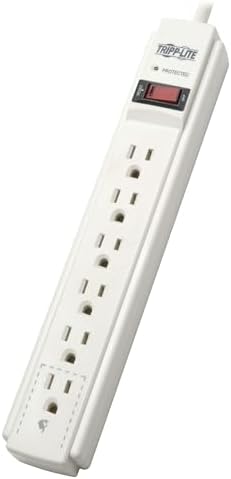
The most common chassis, cords and surge protectors found across workbenches and equipment rooms.
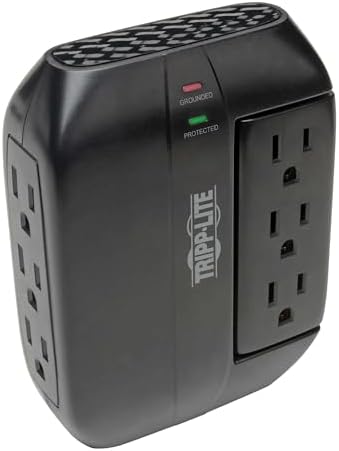
Where our own scores land the highest
Sorted by the rating our retail partner shows, counting only models with enough ratings behind them for the number to mean anything.
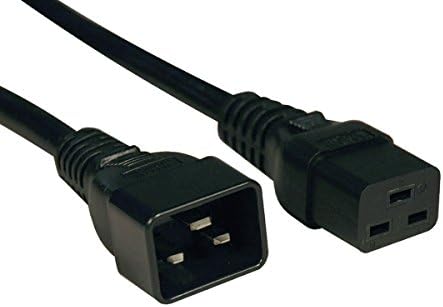
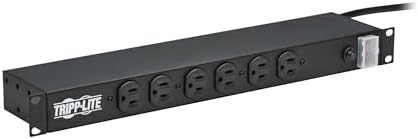
Four units on video
Our own footage, one clip each. Nothing loads until you press play.
Why technicians keep deploying Tripp Lite
Heavy metal enclosures
We build our surge units and power distribution strips with thick sheet metal housings. They tolerate rough drops on concrete floors and mount securely without flexing.
Automatic voltage regulation
Our line interactive battery backups adjust dirty utility power up or down without switching over to the internal cells, keeping your batteries fresh for outages.
Connectors made for field use
Our RJ connectors, power plugs and fiber boots survive repeated pulls and tight bends behind dense equipment racks without snapping off their retention clips.
Practical guides to Tripp Lite hardware
Clear notes from our engineers on calculating loads, cooling packed enclosures and running lines through ceilings.
Sizing a battery backup to the gear you actually own
Watts, volt-amps and headroom, explained with the numbers printed on our own units. How to add up a bench and land on a model that is not running at its limit.
How the hardware worksStandby, line interactive or online: what the three topologies do differently
Why one unit clicks over to battery during a brownout and another does not, what automatic voltage regulation is for, and where a pure sine wave output starts to matter.
Surge and power stripsWhat a joule rating on a surge protector actually tells you
Joules are a budget that gets spent, not a wall that stays up. How our surge line is rated, why the metal housing is on the spec sheet, and when a strip has quietly stopped working.
All of themThe rest of the guides
Five write-ups covering load sizing, joule ratings, copper against fiber and what to do about a closet that runs hot.
Notes on selecting power and network hardware
Tripp Lite battery backups come in two families, and the difference is worth knowing before you order. Standby units sit quiet until utility power drops below an acceptable point. Line interactive units actively regulate incoming sags and surges through internal transformers without draining internal cells. That distinction matters for hardware life. When choosing a backup, calculate the continuous draw of your gear rather than hunting for maximum reserve time alone. An oversized unit running at half capacity stays cooler, charges faster and supports future expansion far better than a compact model running near its limit.
A server closet brings thermal and physical issues you never face beside an office desk. Packed enclosures trap exhaust, turning stagnant air into a steady hazard for switches and power supplies. Vertical cable organizers keep patch cords from choking off intake vents, while dedicated rack power distribution units keep power lines separated from signal runs. Using switched distribution lets technicians reboot frozen remote equipment across the network without making a physical trip to the location.
Copper cabling handles short runs to endpoints and patch panels with simple termination and durable field handling. Fiber optic runs belong on long backbone links between closets or between floors where electrical interference is high and distance exceeds copper limits. Punching down a dedicated patch panel takes an afternoon, but it isolates your permanent structure cabling from daily wear, so moving a workstation only means swapping a short patch lead rather than pulling fresh wire.
Where to begin
Head to battery backups if you need to keep equipment running through irregular line voltage. Open the cabling and rack sections if you are laying out patch fields, organizing switch feeds or mounting hardware in a cabinet.
| Topology | What it does |
|---|---|
| Standby | Sits idle and switches to battery when the line drops out A desk, a router, a single machine |
| Line interactive | Trims high and low line voltage without touching the battery Anywhere the supply sags often |
| Online double conversion | Rebuilds the output continuously, so there is no transfer at all Equipment that will not tolerate a break |
What the shorthand on a specification means
Two sets of abbreviations carry most of the weight: the safety standards a unit was tested against, and the plug on the end of it. Counts are taken from the catalog.
Standards
- TAA32 units
Trade Agreements Act sourcing, asked for by public sector buyers
- UL listed22 units
Tested against an Underwriters Laboratories safety standard
- UL 14496 units
The surge protection standard, third edition onward
- ENERGY STAR8 units
Meets the federal efficiency programme
- RoHS7 units
Restricted hazardous substances in the build
- ETL5 units
Intertek testing against the same safety standards
Most units in the catalog quote no standard at all in their specification, so a short count here means the paperwork is quiet, not that the hardware was never tested.
| Type | What it is |
|---|---|
| NEMA 5-15P 35 units | The ordinary cord plug. 125 volts, 15 amps. |
| NEMA 5-15R 44 units | The socket it enters. Most strips are lined with these. |
| NEMA 5-20R 4 units | A 20 amp socket. The sideways slot also takes a 5-15P. |
| NEMA L5-20P 8 units | Locking, 125 volts, 20 amps. |
| NEMA L5-30P 2 units | Locking, 125 volts, 30 amps, for a heavier feed. |
| NEMA L6-20P 3 units | Locking at 250 volts. It will not enter a 125 volt socket. |
| NEMA L6-30P 6 units | Locking, 250 volts, 30 amps. Common on larger rack gear. |
| NEMA 1-15R 3 units | Two flat pins, no ground. Older equipment and chargers. |
The last letter is the whole trick: P is the plug on a cord, R is the socket it goes into. An L in front means it locks with a twist.
Field notes from working technicians
I bolted the metered PDU to the rear rack rail. Being able to read the draw right on the front display keeps us from overloading the feed.
Dana, network technician
The metal casing on the Tripp Lite Isobar takes hits from heavy tool cases without cracking. It sits on the bench and powers three test rigs every day.
Marcus, systems installer
We replaced loose floor runs with short fiber patch cords through a panel. The closet stays cool and the door shuts without pinching lines.
Elena, site engineer
Equip your space with Tripp Lite hardware
Look through the Tripp Lite lineup of power gear, cables and mounting hardware, then complete your order through our retail partner.
View the full catalog